
A report of your work.
A link for your client.
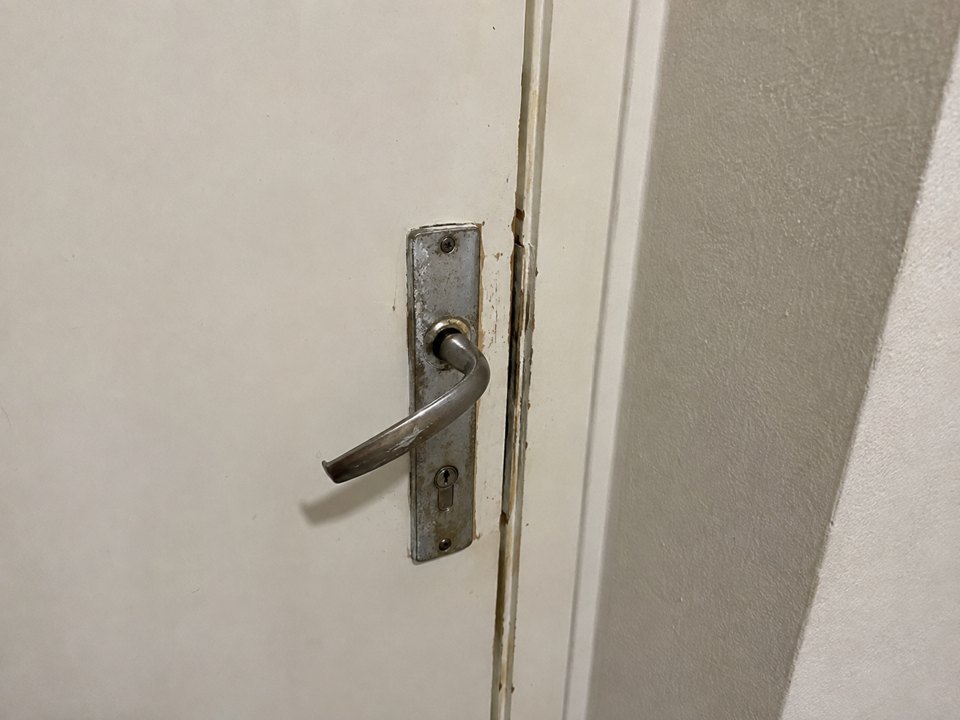
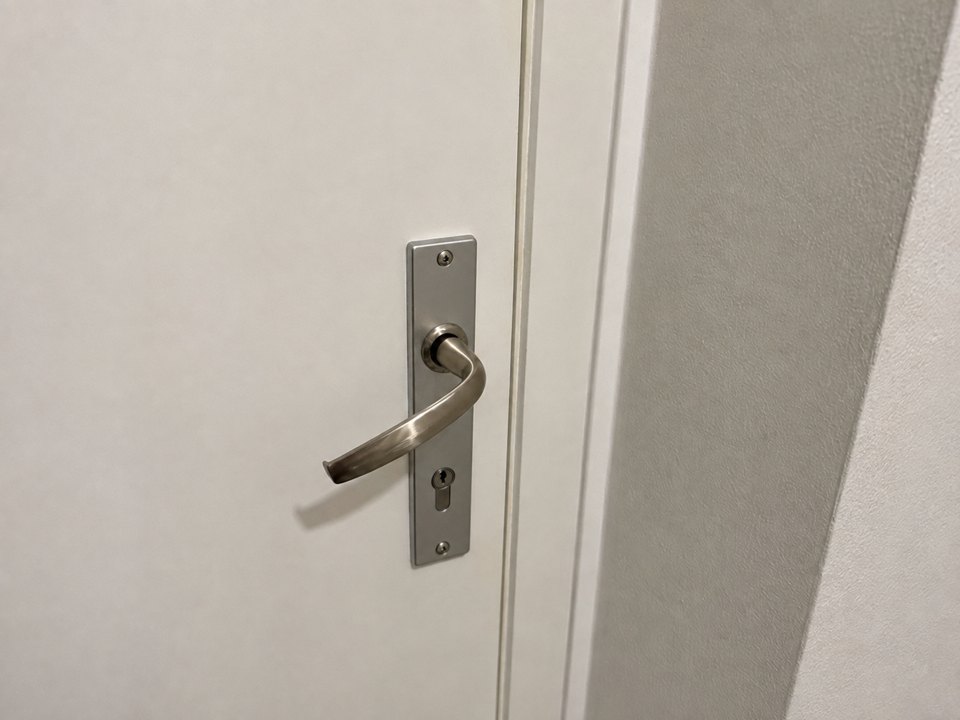
Add Before and After photos, or just the finished result. Publish a report and send it to your client as a link or PDF.
Your client can view the report without an account
Example report

Door handle replacement
How it works
-
Add photos
Compare Before and After, or document the result only.
-
Describe the work
Add an address, work number or a short description.
-
Send to your client
Share a link that opens without an account, or download the PDF.
Why the report can be verified
After publication, Evidace preserves the report version and its integrity references. If it changes later, a new publication is created and the earlier one remains available for verification.
Example history
-
Version 02Current publicationDoor handle replacement
New photos and details in a new publication.
-
Version 01Previous publicationDoor handle replacement
Preserved for verification at its original link.
Who Evidace is for
Plumbing
Repair
Installation
Maintenance
Cleaning
Field work
and more
Show the result.
Send the report.
Start for free with photos and a few details about your work.